

 Shop all STX AUDIO
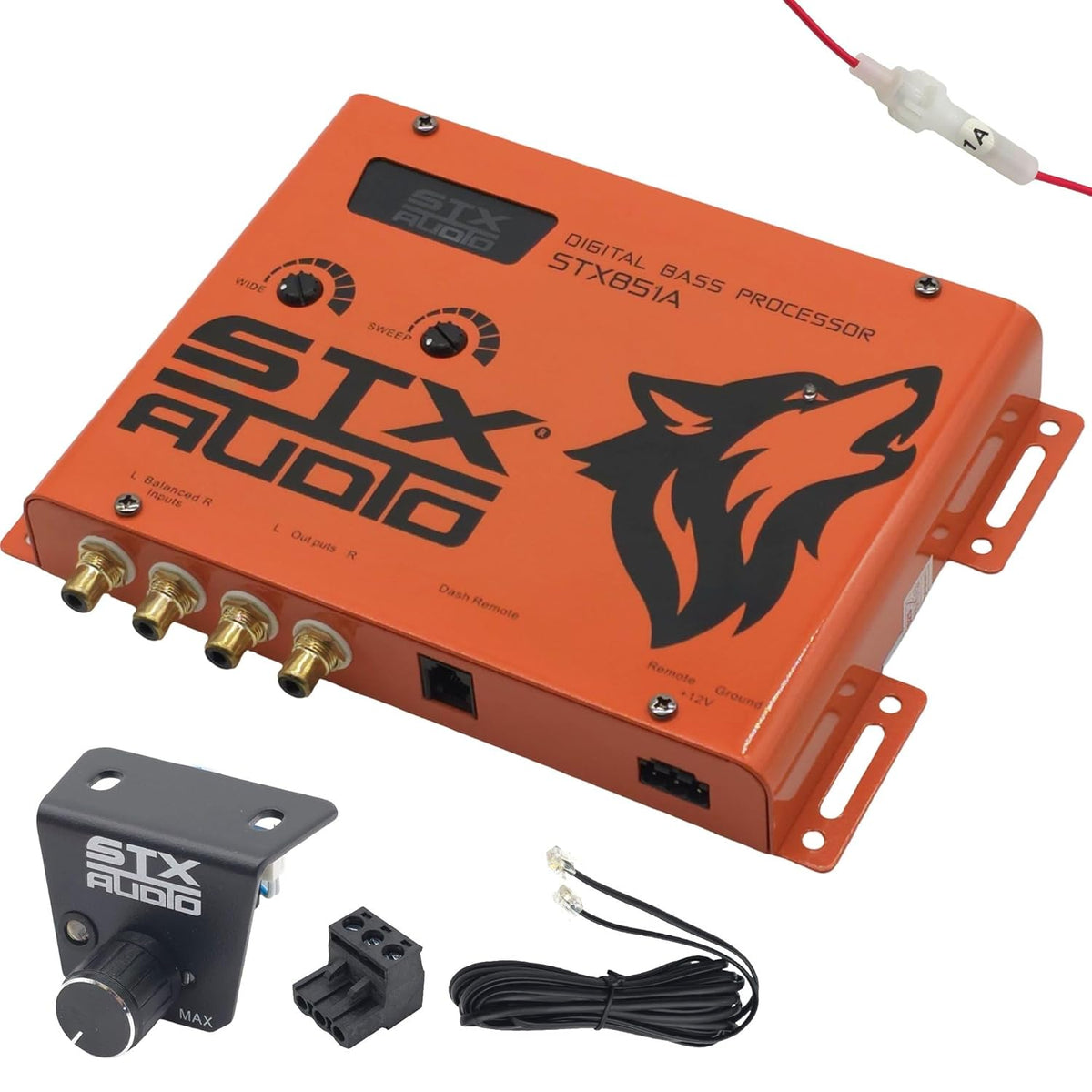
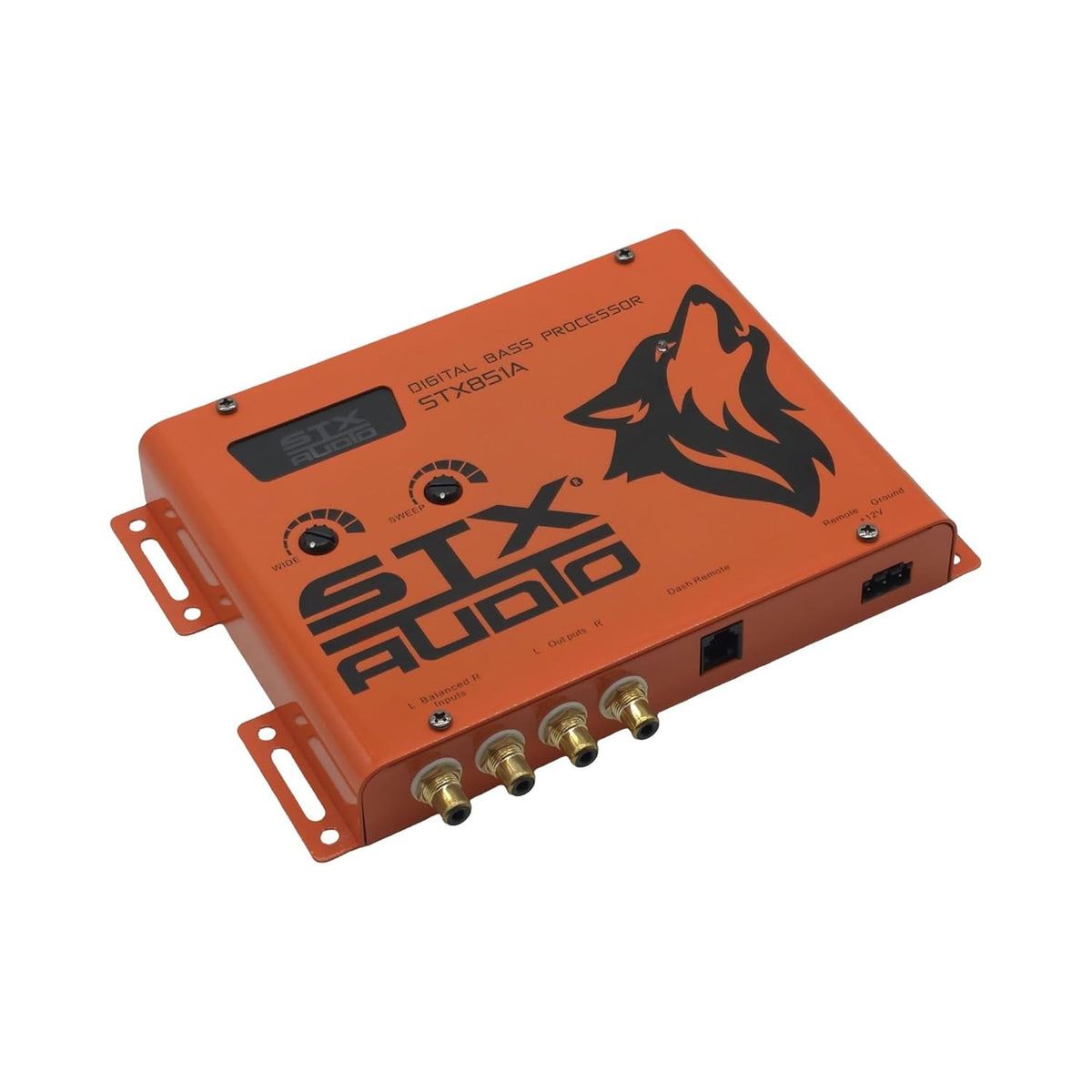
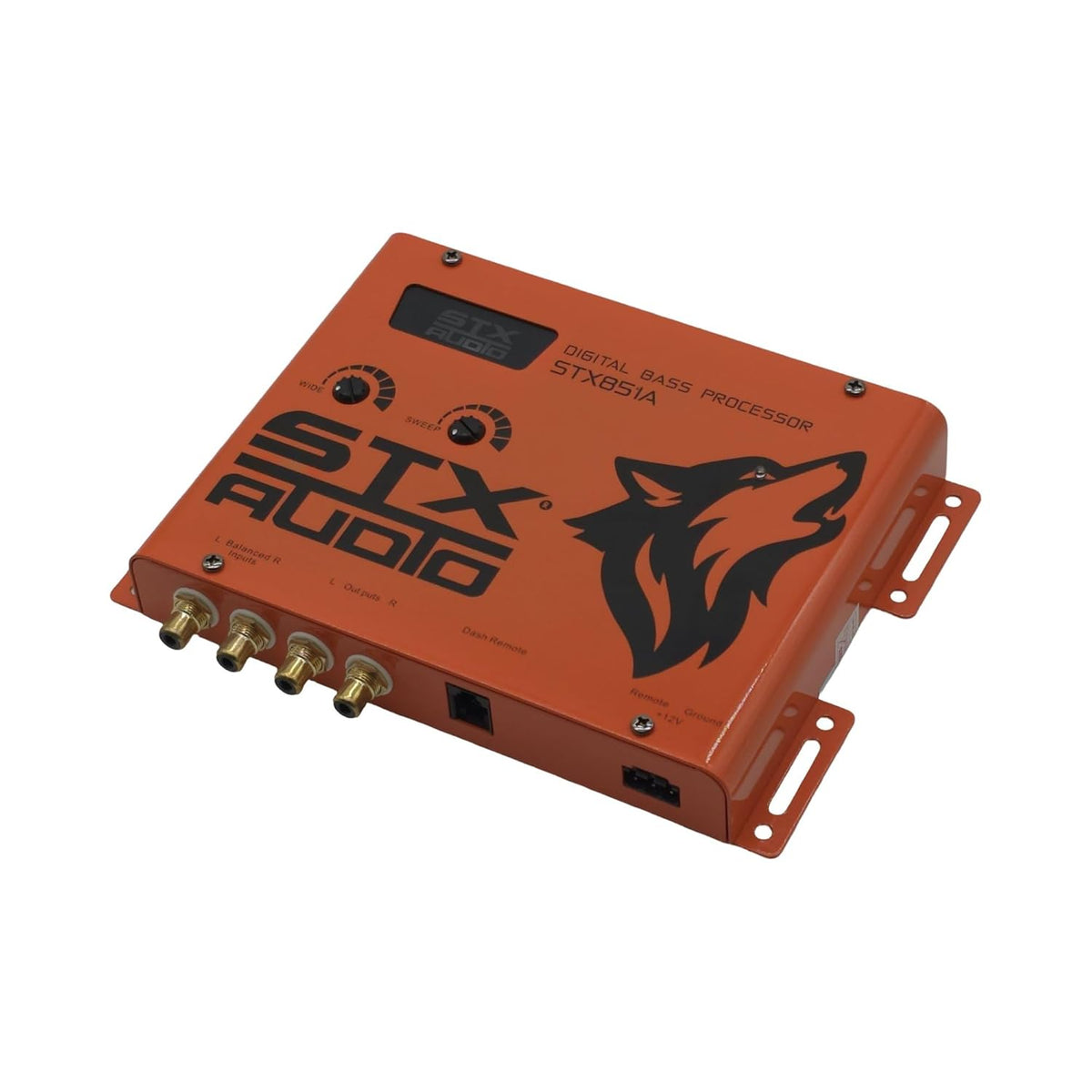
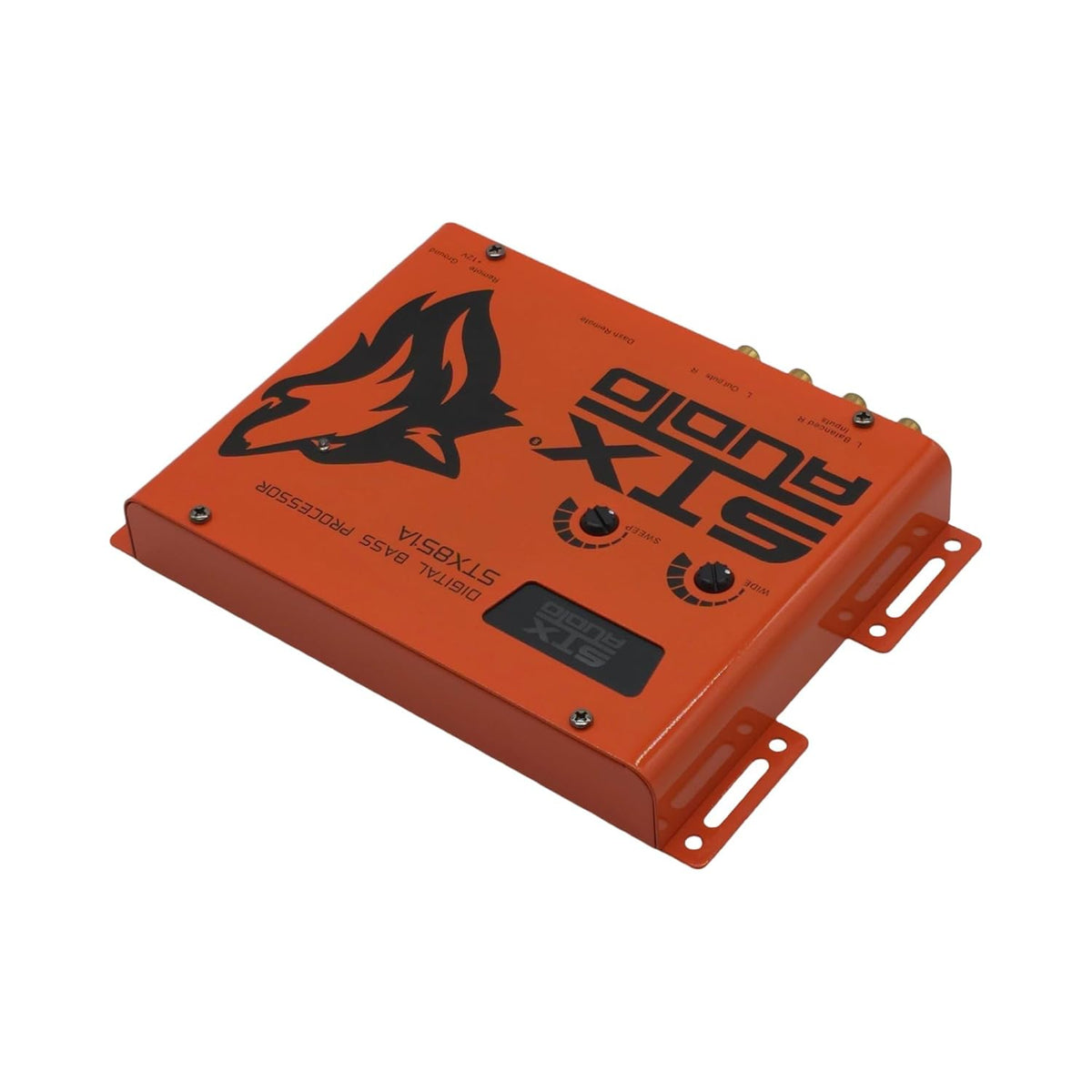
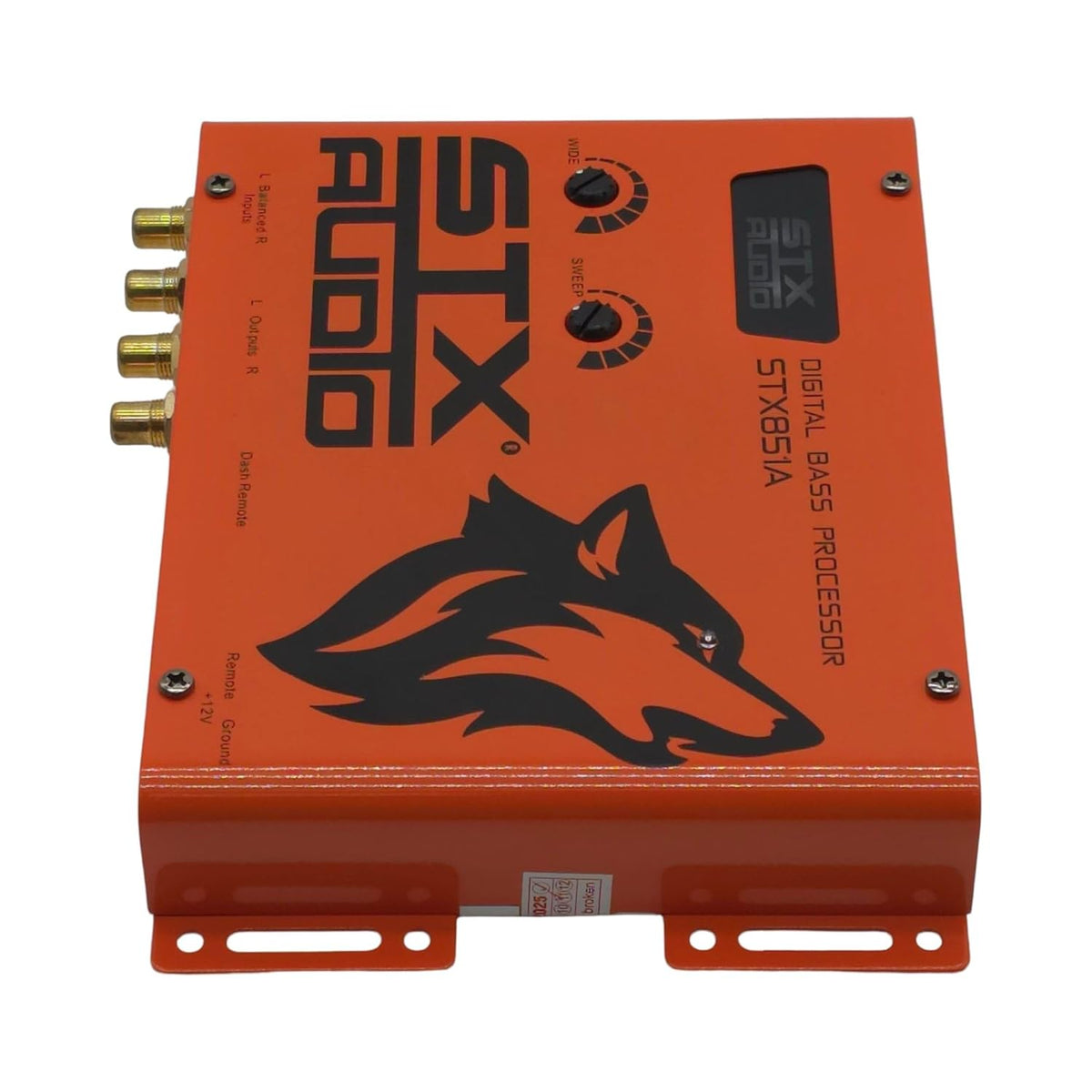
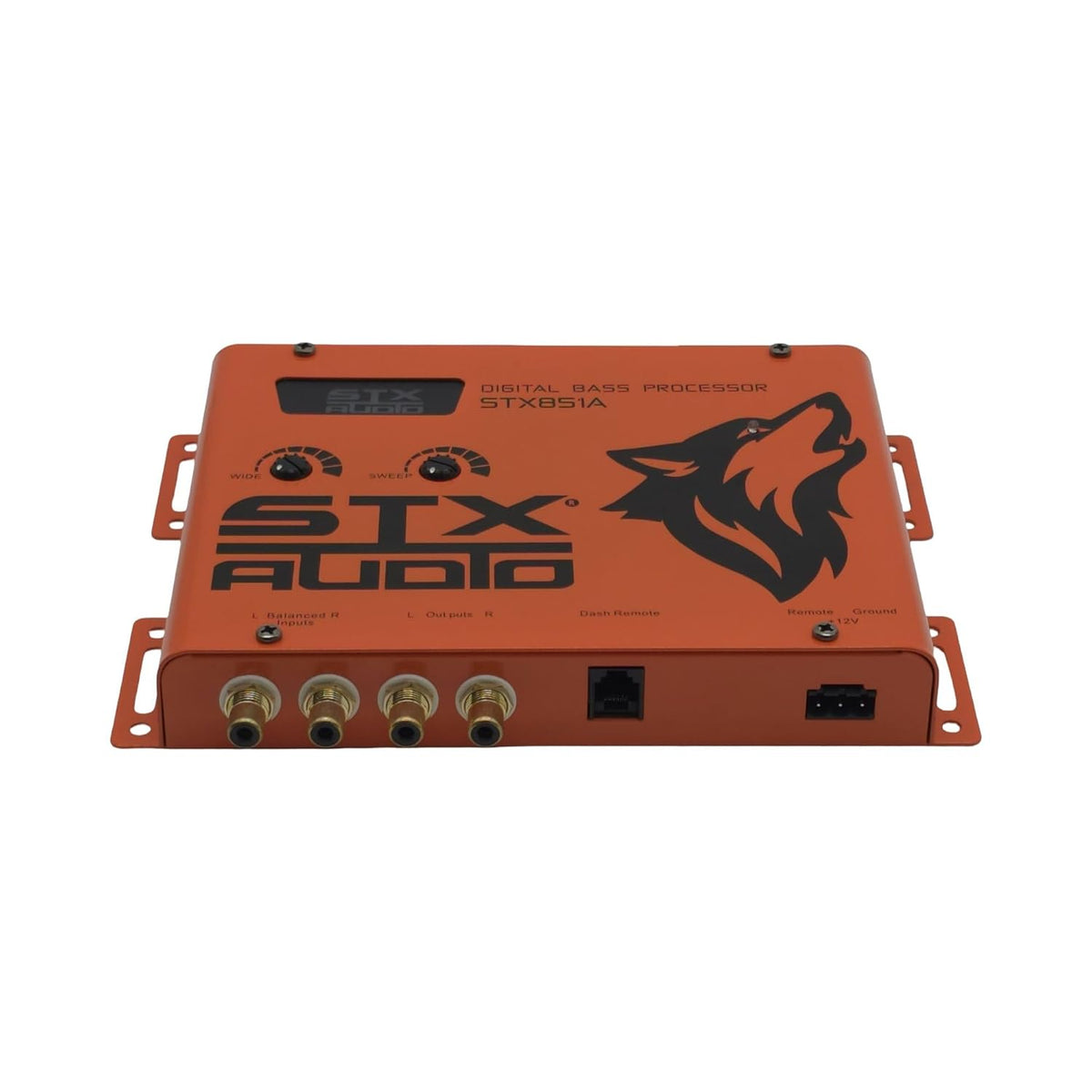
STX Audio STX851A Digital Bass Processor
- Digital bass restoration circuit
- 27 Hz to 63 Hz sweep range
- Balanced RCA inputs up to 15V RMS
- 133 dB signal-to-noise ratio
- Included dash-mount bass remote
Dealer pricing
Sign in to see your tier price and build a quote.
Product Info
| Brand | STX AUDIO |
|---|---|
| Model / SKU | 783501185000 |
| UPC | 783501185000 |
| Availability | In stock and ready to quote |
The STX Audio STX851A is a car-audio digital bass processor designed to restore and shape low-frequency content before it reaches an amplifier or crossover. It is intended for systems that need more control over bass character than a standard head-unit tone control can provide. The processor works with RCA signal connections and can be used in factory-integrated or aftermarket audio systems.
Its digital bass-restoration circuit is designed to reinforce low-frequency detail that may be reduced in recorded or reproduced music. This can help create a fuller bass presentation while retaining a controlled signal path. The STX851A is suited to listeners building a dedicated subwoofer system or refining the low end of an existing amplified setup.
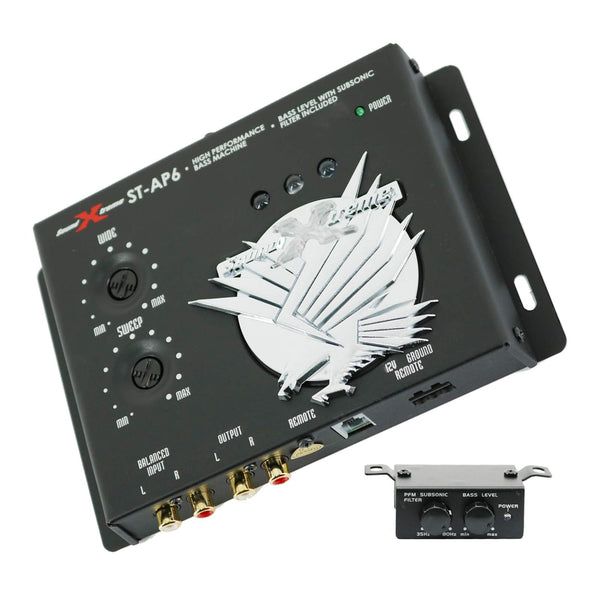
Two front-panel tuning controls let the installer tailor the bass effect to the vehicle and system. The SWEEP control selects a center-frequency range from 27 Hz to 63 Hz, while the WIDE control adjusts the range of frequencies affected. Together, these controls allow the restoration effect to be set for different subwoofer enclosures, speaker systems, and listening preferences.
The STX851A uses balanced RCA inputs rated for signals up to 15 V RMS, with specified noise rejection above 62 dB. Its stated frequency response is 10 Hz to 35 kHz, with a 133 dB signal-to-noise ratio and 0.0025% total harmonic distortion. These specifications support use in a signal chain where preserving clarity and minimizing unwanted electrical noise are important.
A dash-mount remote control is included for convenient bass-level adjustment from the driver's seat. The remote includes an LED indicator, and the processor also incorporates a PFM subsonic filter to reduce very low frequencies that may consume amplifier power unnecessarily. Operating from a 12V DC electrical system with a 150 mA current draw, it is designed for inline installation ahead of downstream crossovers or amplifiers.
Key Features
- Digital Bass Restoration: Reinforces low-frequency detail in the audio signal.
- Adjustable Sweep: Selects bass center frequency from 27 Hz to 63 Hz.
- Wide Control: Adjusts the breadth of frequencies affected.
- Balanced RCA Inputs: Helps reject noise in car-audio signal paths.
- Dash-Mount Remote: Provides in-seat bass-level adjustment with LED indication.
- PFM Subsonic Filter: Reduces inaudible low-frequency content before amplification.
Design & Installation
The STX851A is a compact inline signal processor built around a digital bass-restoration circuit and analog rotary adjustment controls. Its balanced RCA input design is specified for up to 15 V RMS input signals and more than 62 dB of noise rejection. The included remote is designed for dash mounting, placing bass adjustment within reach of the driver.
Install the processor in the low-level signal path before the crossover or amplifier, using compatible RCA interconnects and a 12V DC, ground, and remote-turn-on connection. Set the bass level conservatively first, then use the SWEEP and WIDE controls to match the system's subwoofer response and vehicle acoustics. The PFM subsonic filter can be useful in systems where extremely low frequencies are not needed or may place unnecessary demand on the amplifier and speakers.
| Brand | STX Audio |
|---|---|
| Model | STX851A |
| UPC | 783501185000 |
| Product Type | Digital bass processor |
| Application | Car audio |
| Bass Processing | Digital bass restoration circuit |
| Frequency Response | 10 Hz to 35 kHz |
| Signal-to-Noise Ratio | 133 dB |
| Total Harmonic Distortion | 0.0025% |
| Input Connector Type | Balanced RCA |
| Maximum Input Voltage | 15 V RMS |
| Input Impedance | 10 kOhm |
| Noise Rejection | More than 62 dB |
| Bass Sweep Range | 27 Hz to 63 Hz |
| Sweep Control | Adjustable center-frequency control |
| Wide Control | Adjustable affected-frequency bandwidth control |
| Remote Control | Included dash-mount remote |
| Remote Indicator | LED |
| Bass Level Adjustment | Remote adjustable |
| Subsonic Filter | PFM filter |
| Operating Voltage | 12V DC |
| Current Draw | 150 mA |
| Recommended Signal-Chain Position | Before crossovers or amplifiers |
| Factory-System Compatibility | Compatible with factory audio systems |
| Aftermarket-System Compatibility | Compatible with aftermarket audio systems |
Will the STX851A work with a factory radio?
It is specified as compatible with factory and aftermarket audio systems. It uses balanced RCA inputs, so the source system must provide a compatible RCA-level signal path or appropriate integration equipment.
Where should this bass processor be installed?
The STX851A is intended for inline installation before downstream crossovers or amplifiers. It should be connected in the low-level audio signal path.
What adjustment range does the SWEEP control provide?
The SWEEP control selects a bass center frequency from 27 Hz to 63 Hz. The WIDE control adjusts how broad the affected frequency range is.
Is a remote bass control included?
Yes. A dash-mount remote control with an LED indicator is included for adjusting bass level from the driver's seat.
What power connection does the STX851A need?
It operates on 12V DC and is specified to draw 150 mA. Installation also requires the appropriate vehicle audio-system wiring connections.
Does it include a subsonic filter?
Yes. The processor includes a PFM subsonic filter intended to reduce unnecessary inaudible low frequencies.
Contact Us for Pricing
Thank you! We'll get back to you shortly.
Please fill in all required fields.
Frequently bought together
You may also like